Import a Loom video
Paste the link to a public Loom video of up to 10 minutes, describe what viewers should learn, and Layerpath turns the video into a walkthrough.
Before you start
- A Loom video that's 10 minutes or shorter.
- A public link to it. Private videos can't be imported.
Import the link
To import a Loom video:
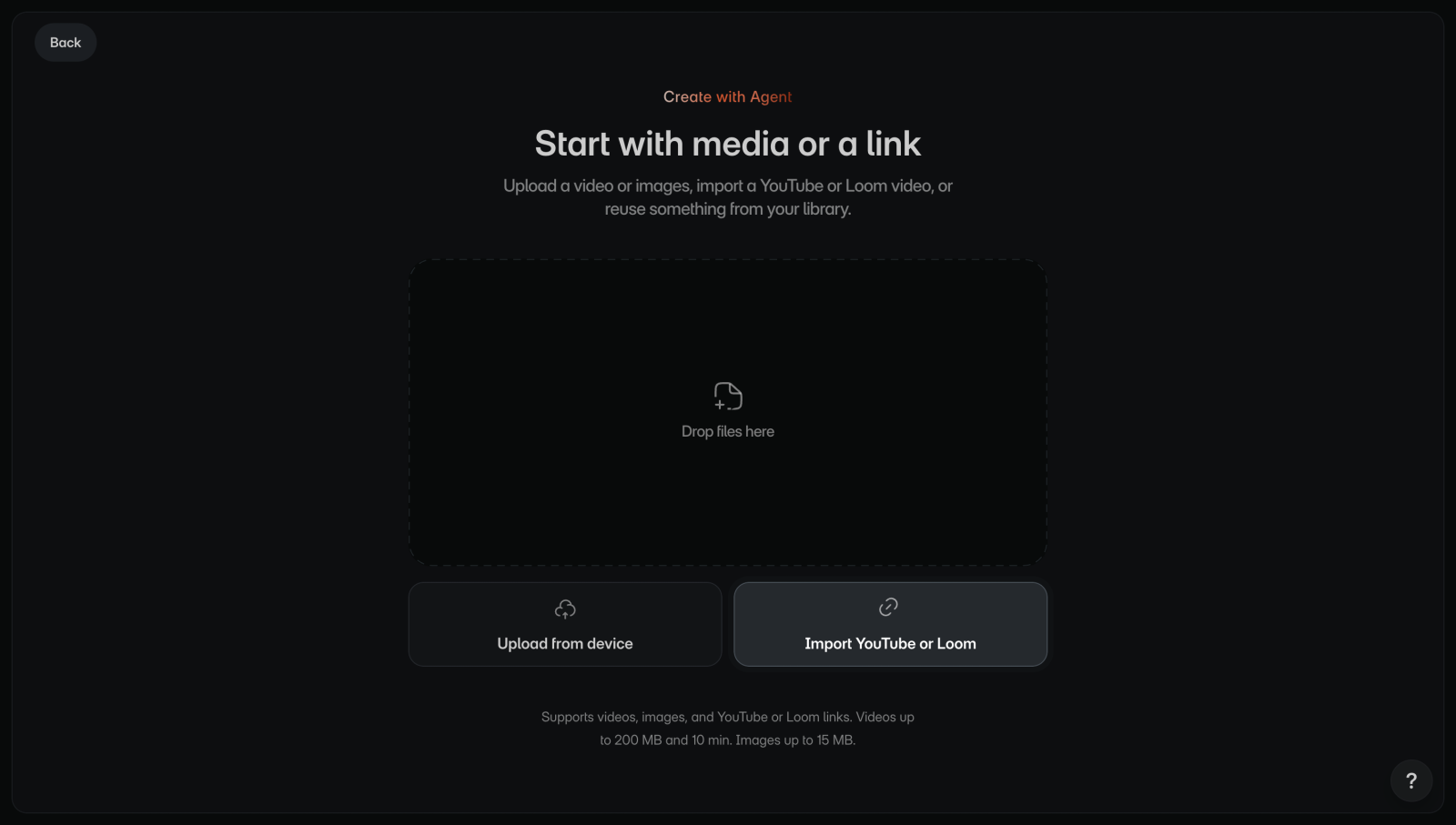
- On Home, select Create with Agent. You'll see Start with media or a link.
- Select Import Loom. You'll see a box that says "Paste a Loom link".
- Paste the video's link, such as
https://www.loom.com/share/..., then press Enter or select the arrow. You'll see What do you want to create? with the video. - Describe what the walkthrough should teach.
- Select Create project, the arrow beside your prompt. You'll see the project open with its progress.
A project takes one Loom link on its own. You can't add screenshots, videos, or library media to it.
If something goes wrong
- The box turns red and the link isn't added: it isn't a link to a Loom video. Copy the link from Loom again.
- The project says "We couldn't finish this project": the reason under it says what to fix, for example "This video is private or unavailable. Use a public link or upload the video file instead." See Project stuck or failed.