2024 updates
New features, improvements, and fixes from Layerpath in 2024.
Enhancement & Fixes
Library Loading Improvements
There was a delay in the loading of the topbar within projects. We've optimized this to ensure faster and smoother topbar loading.
Improved Topbar Loading: Optimized the topbar within projects for faster and more seamless loading.
PDF Brand Colors: Fixed the issue where brand colors were not applied to annotations in exported PDFs.
Enhancement & Fixes
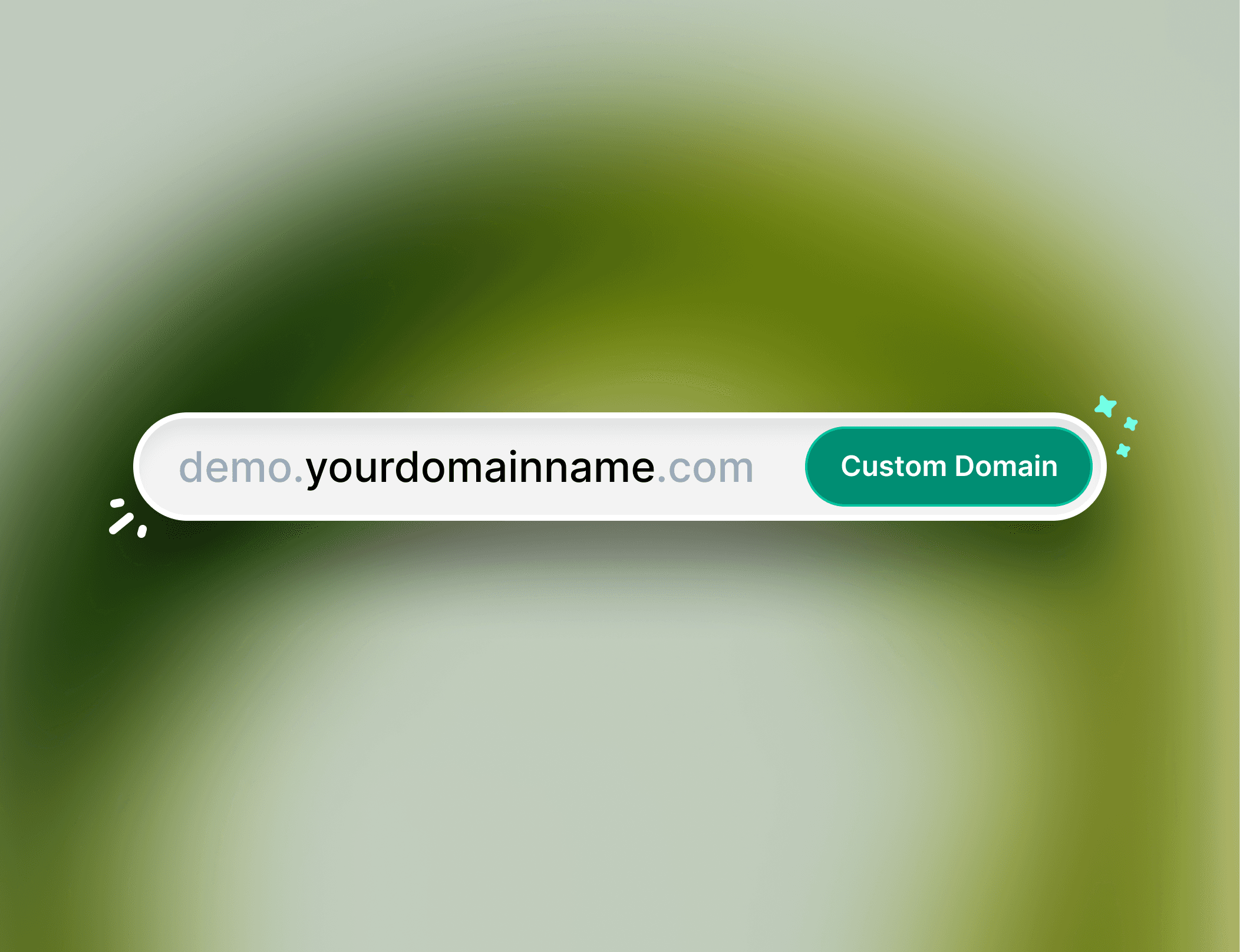
Custom Domain
We have improved the custom domain setup process with clear error messages and provided step-by-step guidance for adding TXT records in your DNS settings.
Fixes
Tour Video Slides Playback: We have resolved an issue where playback speed settings for embedded tour videos were not applied correctly.
Feature Update
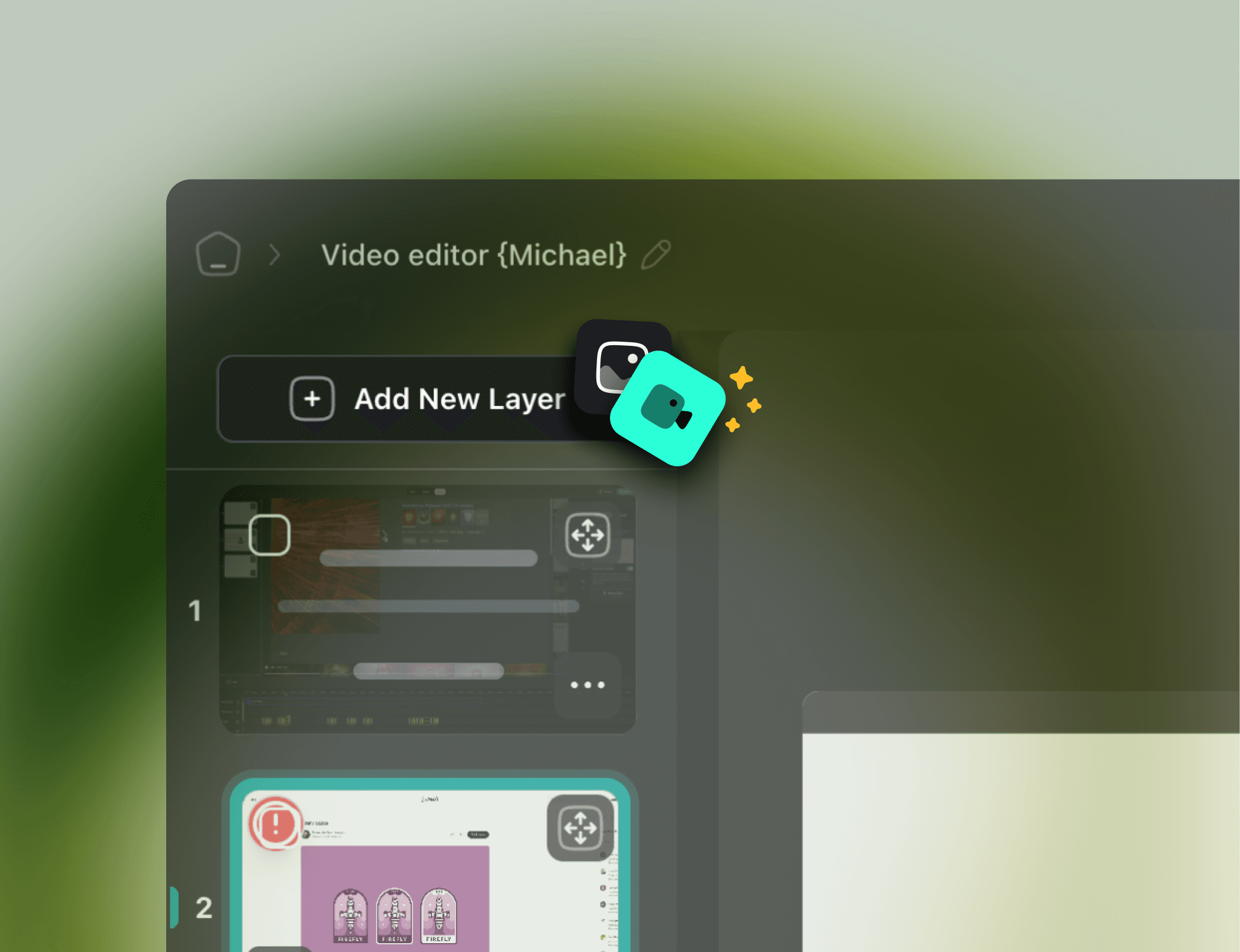
Upload Video in Tours
You can now upload videos directly from your computer to enhance and customize your tours further.
Enhancement & Fixes
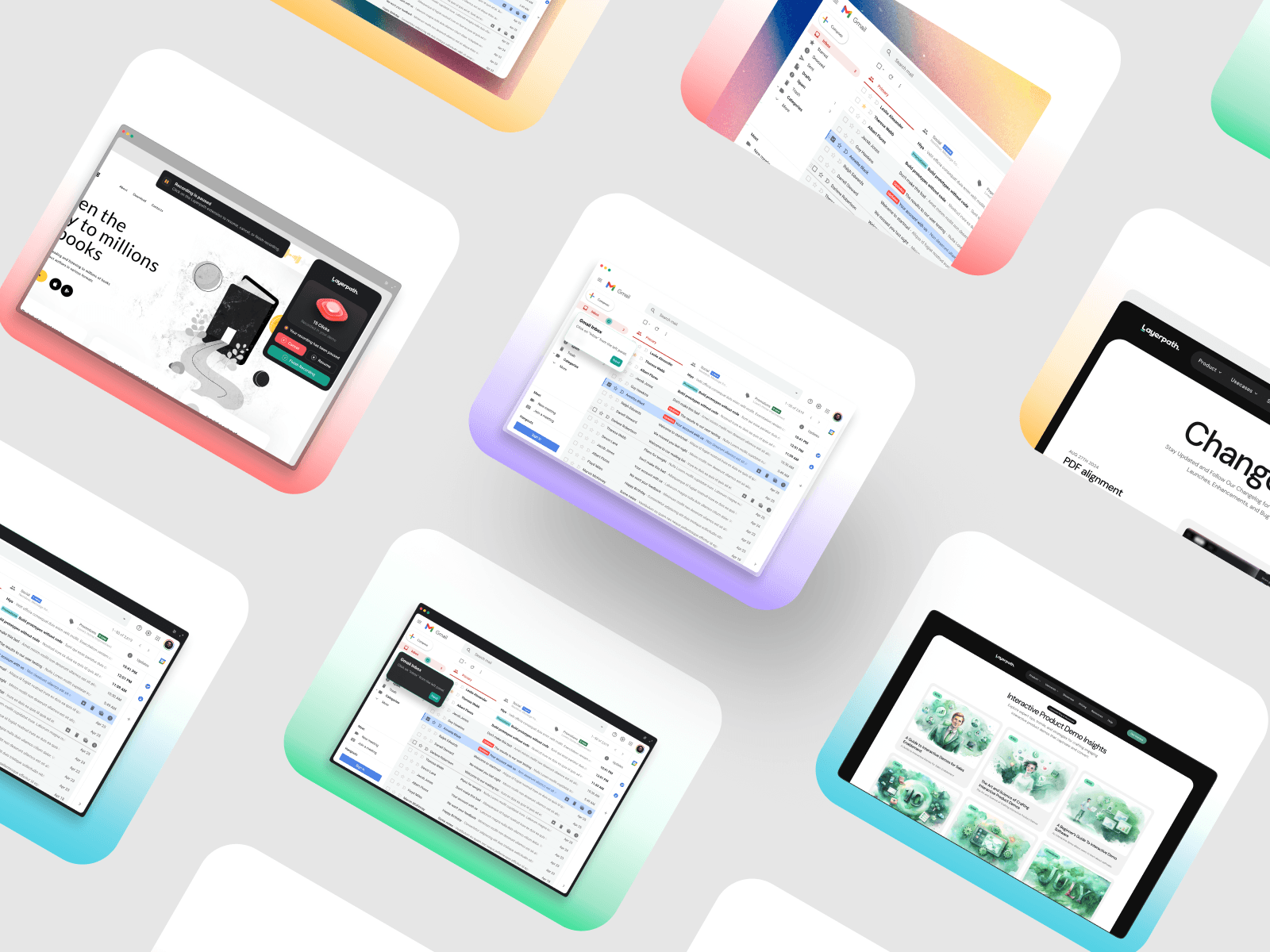
Custom OG Images for Demos
Every demo now includes its own OG image, adding visual appeal and improving engagement across social media when sharing demos.
Fixes
Improved Guide Navigation: Resolved a scrolling issue in the guide's left-hand menu that interrupted access to each step. Enjoy smooth, uninterrupted navigation now!
Enhancement & Fixes

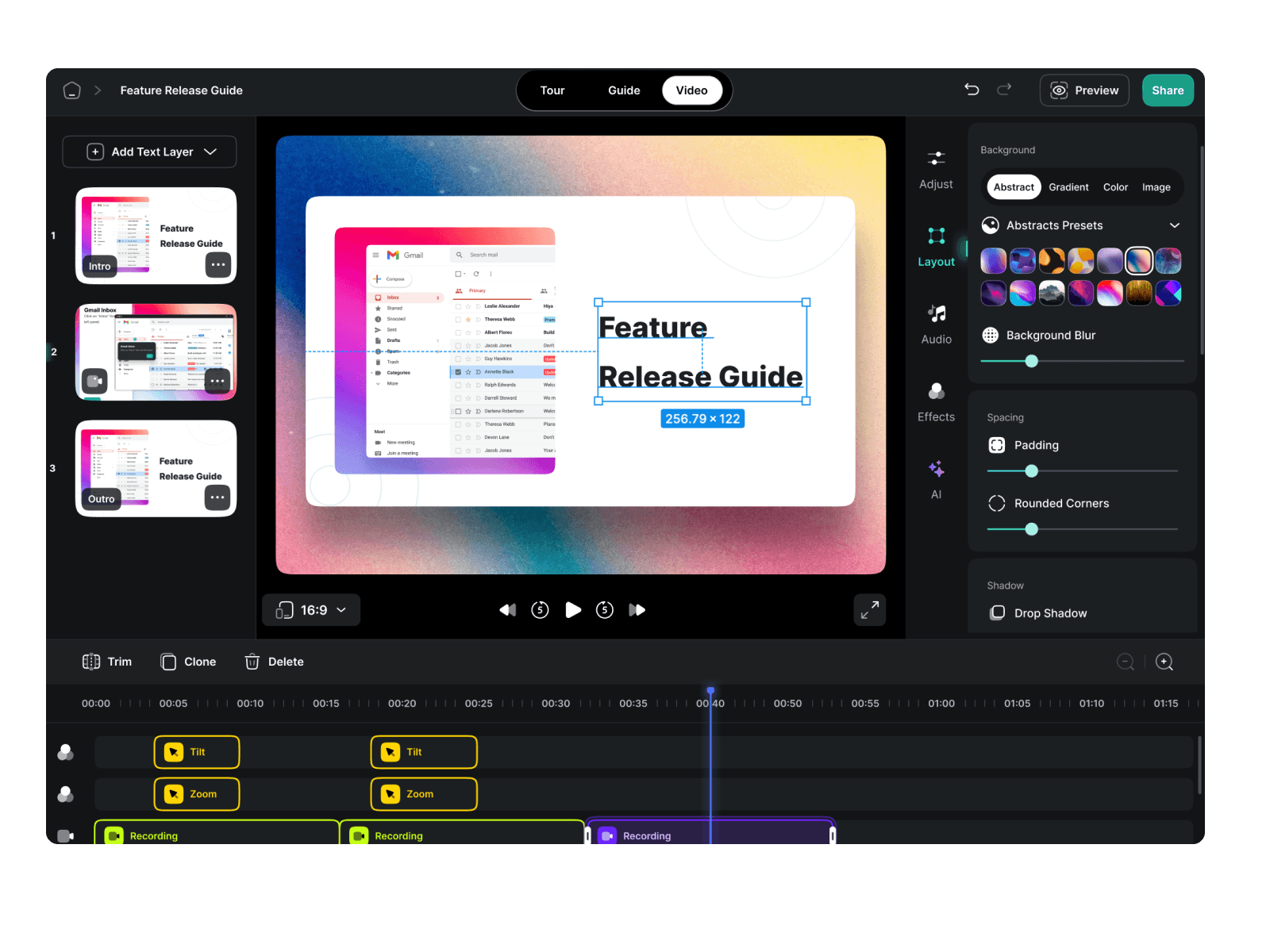
Video Export Alignment
Misalignment issues in text walkthroughs for video exports have been addressed. Now, text appears correctly, providing a smooth playback experience for viewers.
Fixes
Stability in Guide Slide Deletion: Fixed an intermittent issue with continuous slide deletion in guides, allowing for uninterrupted editing.
Enhanced Mobile UX & Fixes

Mobile Tour Tooltip Expansion
Mobile experience just got better! Now you can expand and collapse tooltips at the bottom of your screen with a simple arrow click, making navigation easier and more efficient for mobile users.
Fixes
Audio Loading in Video Export: Fixed an issue where audio would delay or fail to load during video exports. You can now export your videos seamlessly, with no hiccups in the audio.
Enhancements & Fixes
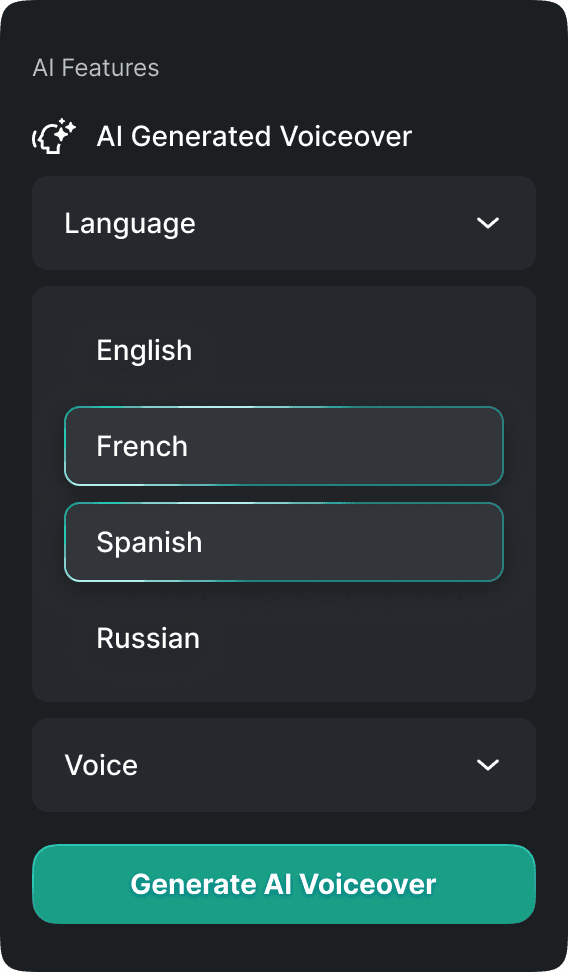
French & Spanish TTS Enhancements
We've enhanced our AI voiceovers to sound more accurate to the native language. We have rolled this option for French and Spanish at the moment. More languages are in the pipeline, so stay tuned!
Fixes
404 Error on Unshared Projects: Previously, unshared projects would result in a 404 error page. We've fixed this so that if a project has private access or doesn't exist, you'll now get a proper "Project not found" message.
Enhancements & Fixes
Customizable Background Opacity for Box Models
Want more control over your design? You can now adjust the background opacity for box models in your tours, helping you create a more polished and tailored visual experience.
Fixes
Image Upload Timeout Fix: If uploading images for new projects was giving you timeout errors, worry no more! This bug has been resolved for faster, smoother project creation.
Enhancements & Fixes
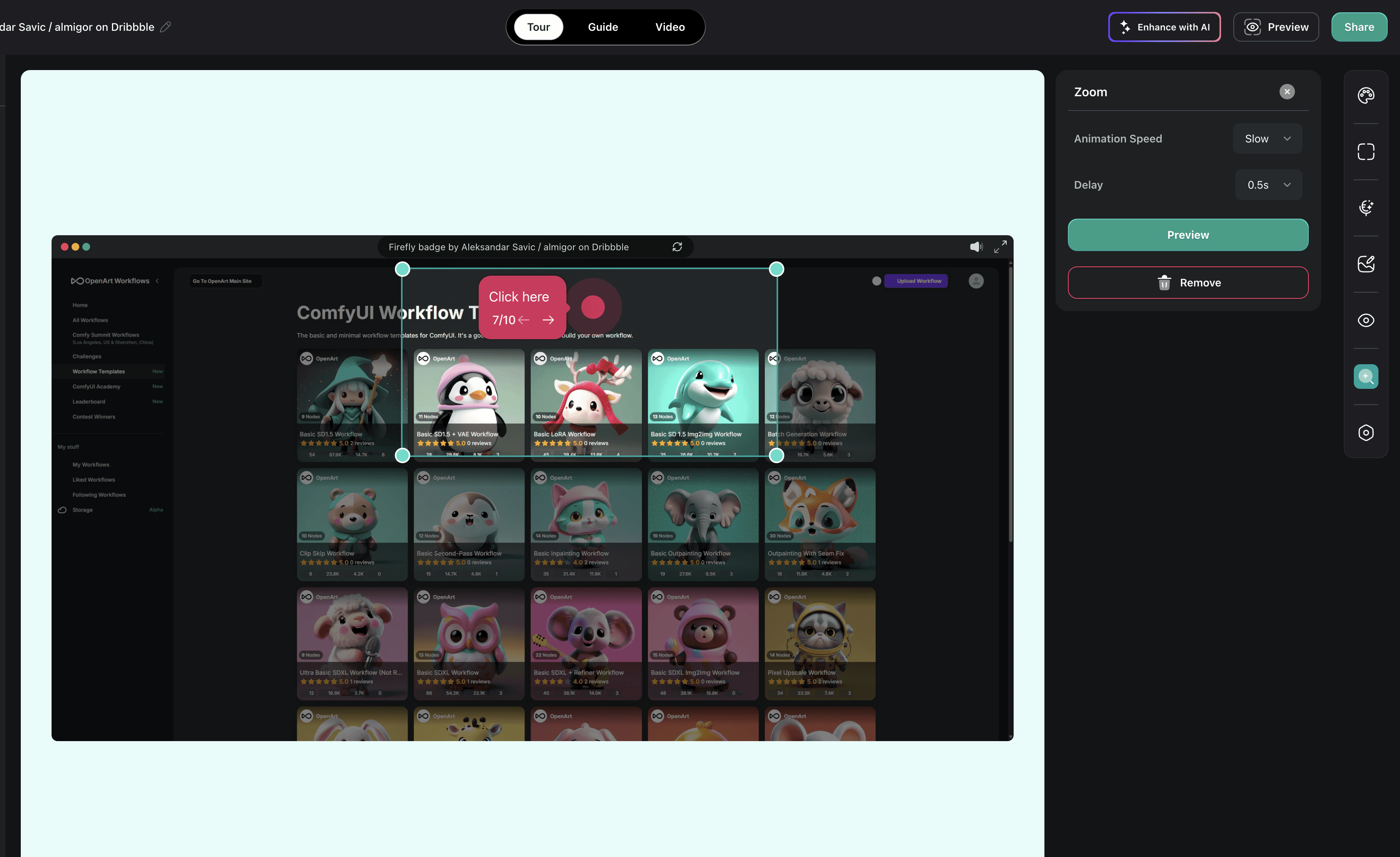
Speed & Delay Controls for Zoom & Pan in Tours
Take full control of your visual storytelling! We've introduced new speed and delay functions for zoom and pan effects. You can now fine-tune the flow and pacing of your tours for a more immersive user experience.
Fixes
Hotspot Size Bug Resolved: Hotspots weren't always displaying correctly, but we've fixed that! Now, hotspot sizes will be displayed as expected.
PDF alignment & Fixes
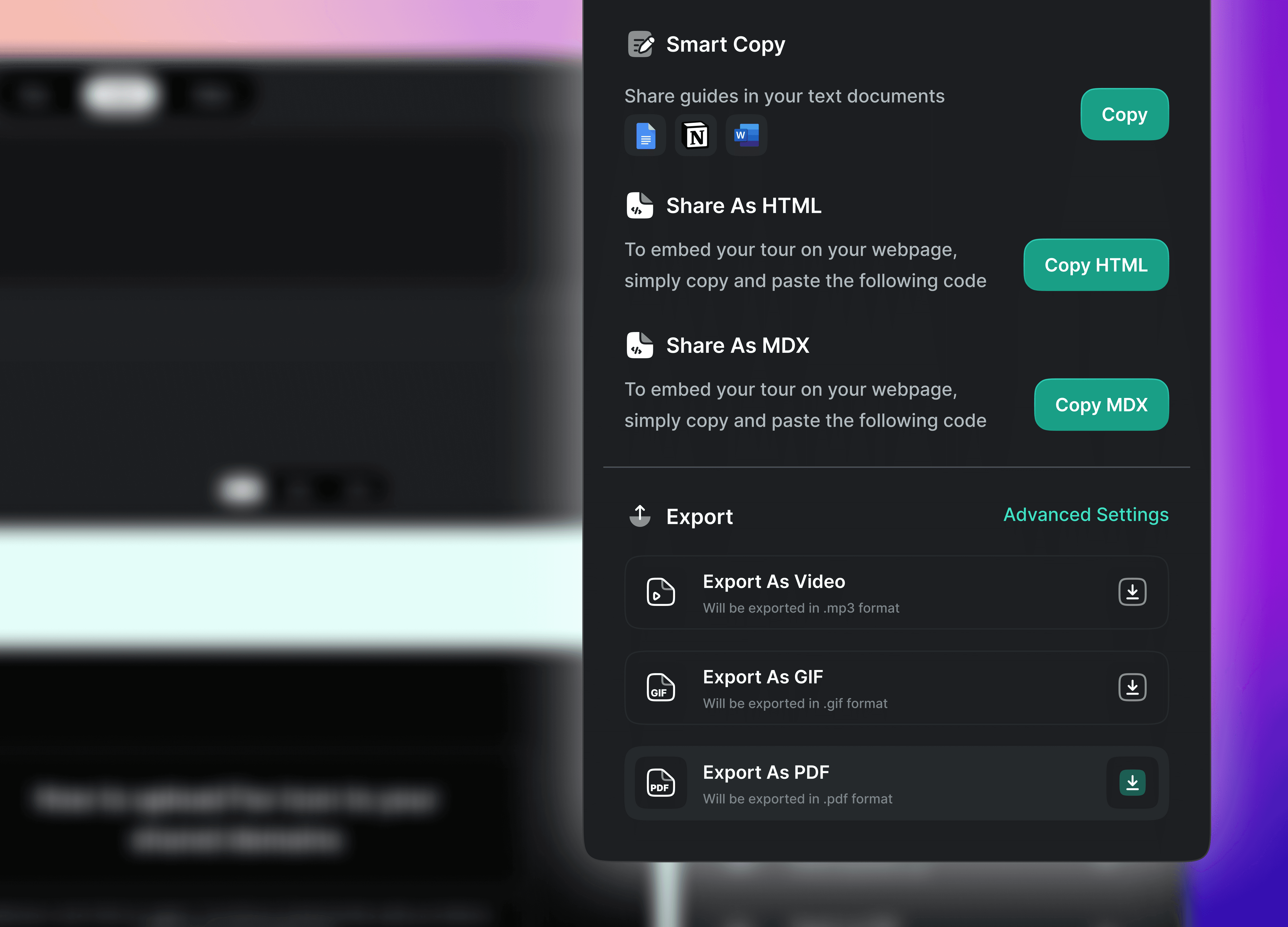
Perfect PDF
Align your PDF right
We've enhanced PDF export alignment, ensuring your documents are sharp, organized, and professional-looking.
Fixes
LinkedIn OG Fix: Share with confidence! We've corrected the OG for LinkedIn shares, ensuring your links display properly on social media.
Custom Domain Configuration in Playlist: We've fixed issues with custom domain configuration in playlists. Your custom domain now appears in playlists just like your individual tours and guides, giving you full control over your content distribution.
Enhancements & Fixes
Enhancements
Delete voiceovers in tours: Easily delete voiceovers from your tours, giving you greater flexibility and control over your content.
Expanded Language Support: We've expanded language support to include Slovak, Czech, Romanian, Tamil, and Korean, making our platform accessible to more users worldwide.
Fixes
Fullscreen accuracy: Issues with tours displaying in fullscreen mode within playlists have been resolved, providing a seamless experience.
Tour autoplay, Enhancements & Fixes

Autoplay tours
Effortless Navigation
Tours now autoplay, guiding users through steps automatically without the need to click 'Next' or arrows.
Enhancements
Use brand logo in PDF export: Your brand logo now appears in PDF exports, ensuring consistent branding across all your documents.
Optimized Guide Performance: Large guides are now optimized for faster loading and smoother operation, even for your biggest projects.
Fav icon & Fixes
Favicon upload for shared domains
Personalized Identity
Upload your custom favicon to appear in the title bar of shared domains, giving your demos a professional and personalized touch.
Fixes
Country Code in analytics: The country code issue in analytics has been fixed, giving you more precise and reliable insights.
Loading speed of projects: We've improved project loading speed on the dashboard, ensuring immediate access when you click on a project.
Human voiceovers & Enhancements
Record your own voice
Your Voice Matters
You can now record and add your own voice to tours, making them more personalized and interactive. Bring a human touch to every learning experience.
Enhancements
Disable Pan and Zoom: We've introduced an option to disable pan and zoom in tours, ensuring a standardized and distraction-free learning environment.
iFrame Click Support: Now you can record the interactions made in iFrames.
Enhancements & Fixes
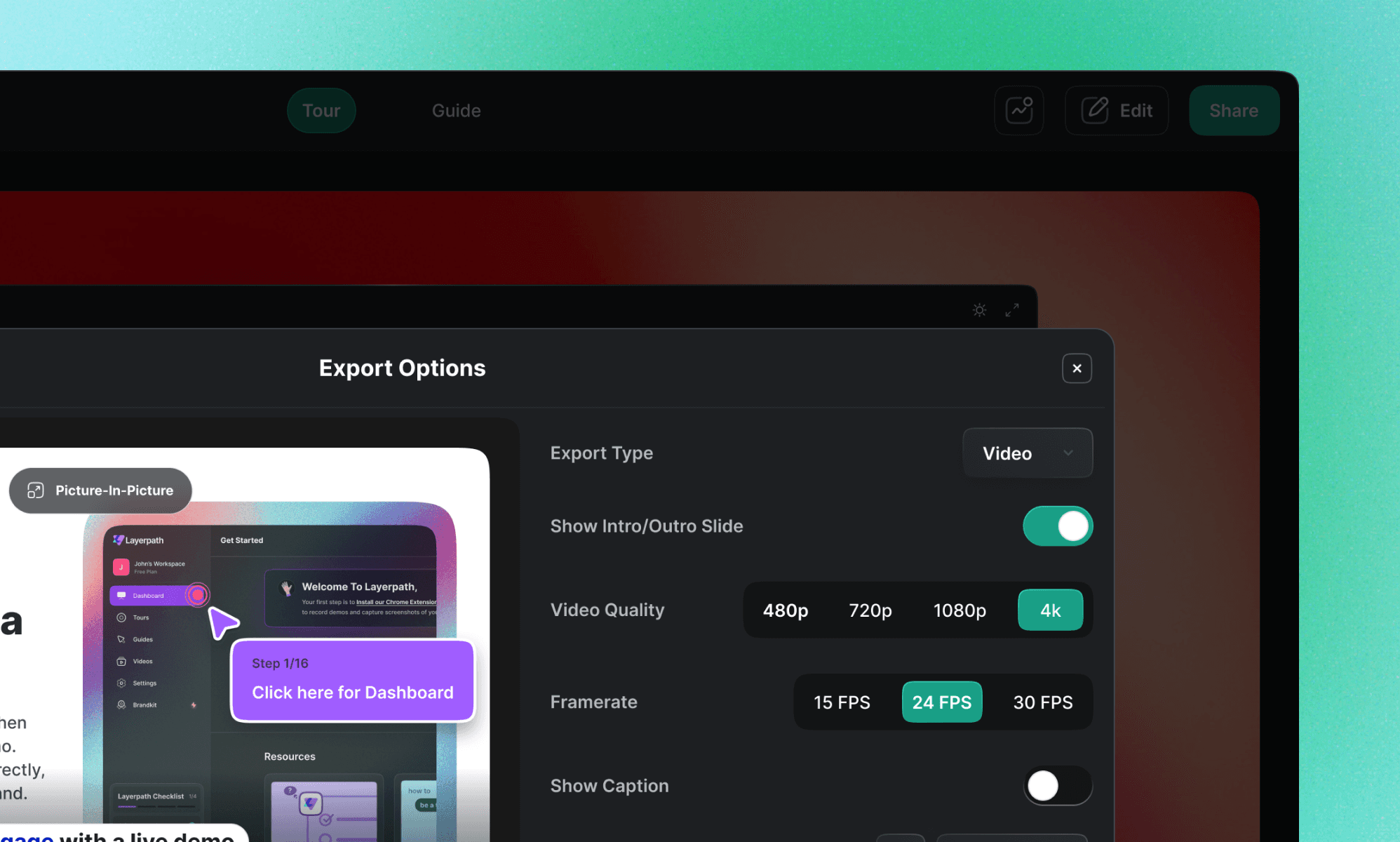
Best experience is here
4K video quality
Introducing stunning 4K resolution in video export: Enjoy downloading your video in a higher resolution and provide a superior learning experience for your audience.
Fixes
Removing effects in a single click: Starting from scratch doesn't have to be so overwhelming. We have introduced an option to remove all the added effects in your video in just one click. You can call it your instant magic eraser!
Project Transfers & Cloning
Stay focused. Stay organized
Project transfers between workspaces
You can now move their projects to a colleague's workspace. This keeps your workspace organized only with projects you are focusing on, while projects assigned to other team members are transferred to their respective workspaces.
Say goodbye to rework
Cloning your project
Easily replicate your favorite projects for different purposes. Save time and get creative without starting from scratch every time.
Enhancements & Fixes
Seamless narration
AI-voiceovers for video layers in tours
No more pauses in your narration. We have added AI voiceovers to video slides in your tours ensuring a smooth user experience with voiceovers guiding users from start to finish.
Fixes
Adjustable pan and zoom speed: One size doesn't fit all! Customize the speed of pan and zoom effects in your video to slow, medium, and fast, tailoring it to how comfortably your audience can grab the content.
Multi language support & Enhancements
Say hi in any language
Multi-lingual support
Now you can AI voiceovers and walk-through texts in regional languages. Just navigate to the "Enhance with AI" feature, pick your preferred language and our AI instantly generates the appropriate content. We already support several languages, with more on the way.
Choose your preferred language as the default option in Brandkit. All your new projects will consistently use your chosen language for AI voiceovers and walk-through texts, saving you from manual selection of language for every project.
Enhancements
Autoplaying voiceovers in tours: Voiceovers now kick in from the very first slide, guiding your users every step of the way through the entire tour, no more missed intros.
PDF Export & Playlists
PDF power
Exporting guides as PDF
You can now export your guides as PDF files, making it easy to share and access them offline through email or print. Share your PDF with team members, clients, or stakeholders, providing greater flexibility and convenience.
Organize like a Pro!
Playlists
No more digging through hundreds of projects! Categorize your tours and guides based on specific modules, and organize them into playlists. Share them with your audience to provide a structured learning experience during their onboarding and training periods.
Latest updates
See what we shipped in 2026 and 2025.