Translate a walkthrough
Ask Agent to translate a walkthrough's steps, callouts, and voiceover into another language, or translate only the voiceover from the voiceover panel.
Translate everything with Agent
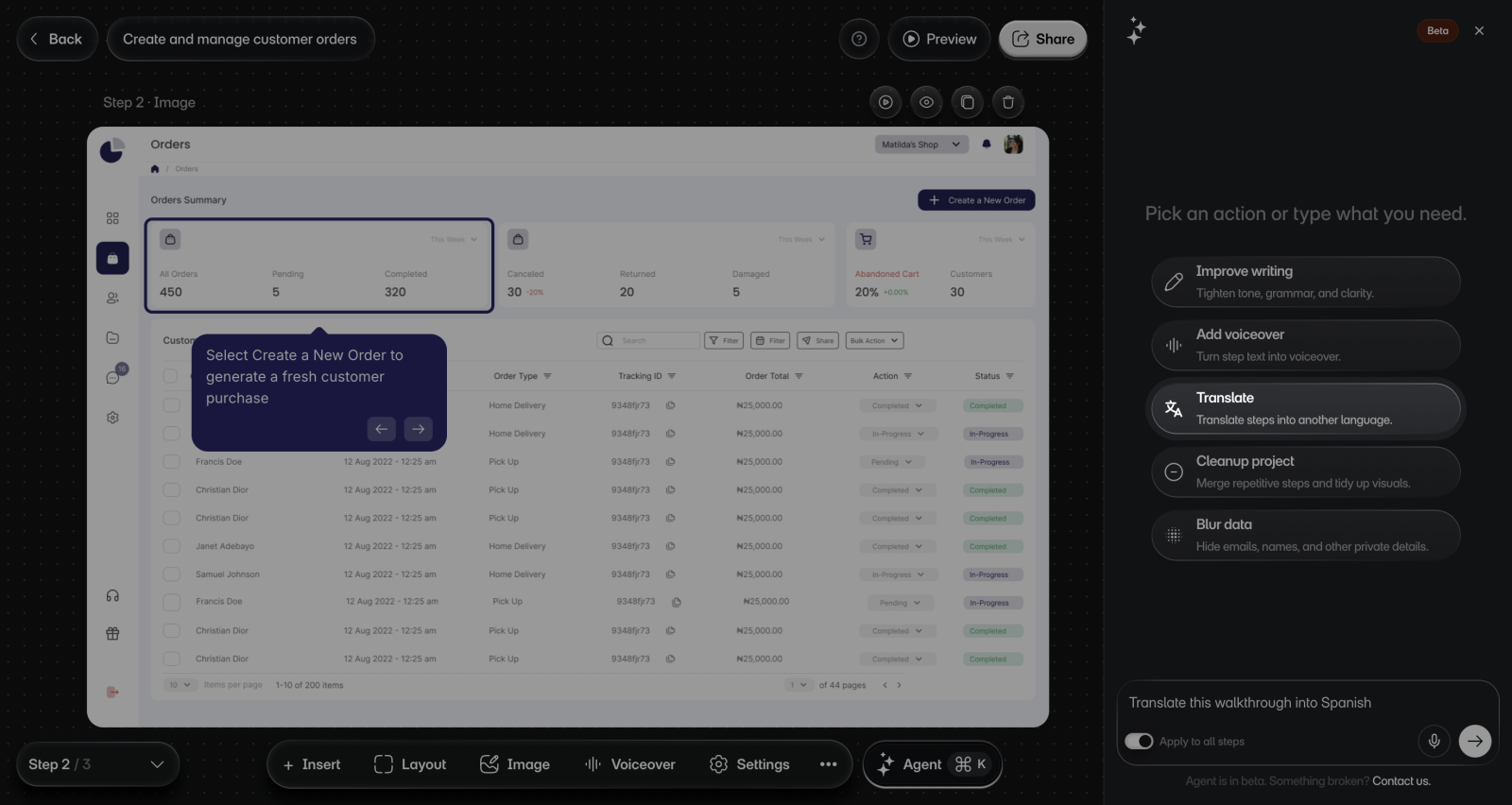
The editor has no translate button. Agent translates the walkthrough for you: the steps, callouts, and voiceover change together.
To translate it:
- Open the project in the editor.
- Select Agent in the bottom bar. You'll see the Agent panel.
- Ask for the language you want, for example "Translate this walkthrough into Spanish", and send it.
- When Agent shows Language, check that it's the one you want.
- Optional: If the walkthrough has no voiceover, turn on Generate voiceover too and choose a Voice.
- Send it. You'll see Agent's progress in the panel.
Agent can make mistakes. Review the walkthrough before you share it.
You can ask Agent to translate in Slack and ChatGPT too.
Translate only the voiceover
The voiceover panel can translate the voiceover and leave the steps and callouts as they are.
To translate only the voiceover:
- Select Voiceover > AI voiceover in the bottom bar.
- Select All steps.
- Under Language, choose the new language.
- Optional: Under Voice, select Change and pick a voice for that language.
- Select Generate all. Layerpath translates each step's script into the language, then makes its audio.
What gets translated
| Part of the walkthrough | With Agent | In the voiceover panel |
|---|---|---|
| Step text and callouts | Translated | Not changed |
| Intro and outro text and buttons | Translated | Not changed |
| Voiceover scripts and audio | Translated | Translated |
| Text boxes from Add text | Not changed | Not changed |
| Buttons from Add button | Not changed | Not changed |
Limits
- On the Free plan, voiceover and translation in the Layerpath app are English only. Choosing another language shows "Upgrade to use non-English languages".
- Agent doesn't translate a walkthrough into the language it's already in.
- In Claude, walkthroughs with voiceover can't be translated.
- Both paths translate into the languages in the voiceover list. See Voices and languages.